Gameplay
How KeyCapy Plays: A Cozy Keyboard-Building Sim Explained
KeyCapy is a cozy single-player simulation about running a custom keyboard shop for capybara clients. What the developer says you do, and what is unknown.
What KeyCapy is
KeyCapy is a cozy simulation game for Windows. You run a small custom keyboard shop and your customers are capybaras. The developer, Vojtěch Peták, describes it as a game about building keyboards, designing your own, and cleaning and repairing old ones. Steam files it under Casual, Indie and Simulation, and the website calls it a Cozy Simulation with Management.
It is single-player. Steam lists Save Anytime and Playable without Timed Input among its features. The developer has not described what a day or an order looks like in detail.
What the developer says you do
The Steam text and the developer's website list eight features. Here they are with what each one says.
| Feature | What the text says | Label | Where it comes from |
|---|---|---|---|
| Custom Builds | Build keyboards from many parts, layouts and keycap profiles | Official | Steam page, keycapy.com |
| Tactile Building | Place each part by hand with responsive feedback | Official | Steam page, keycapy.com |
| Adaptive Audio | Hear how each change affects the sound | Official | Steam page, keycapy.com |
| Capybara Clients | Each capybara has a story and custom requests | Official | Steam page, keycapy.com |
| Cleaning | Clean dirty, dusty keyboards | Official | Steam page, keycapy.com |
| Repairs | Fix broken keyboards | Official | Steam page, keycapy.com |
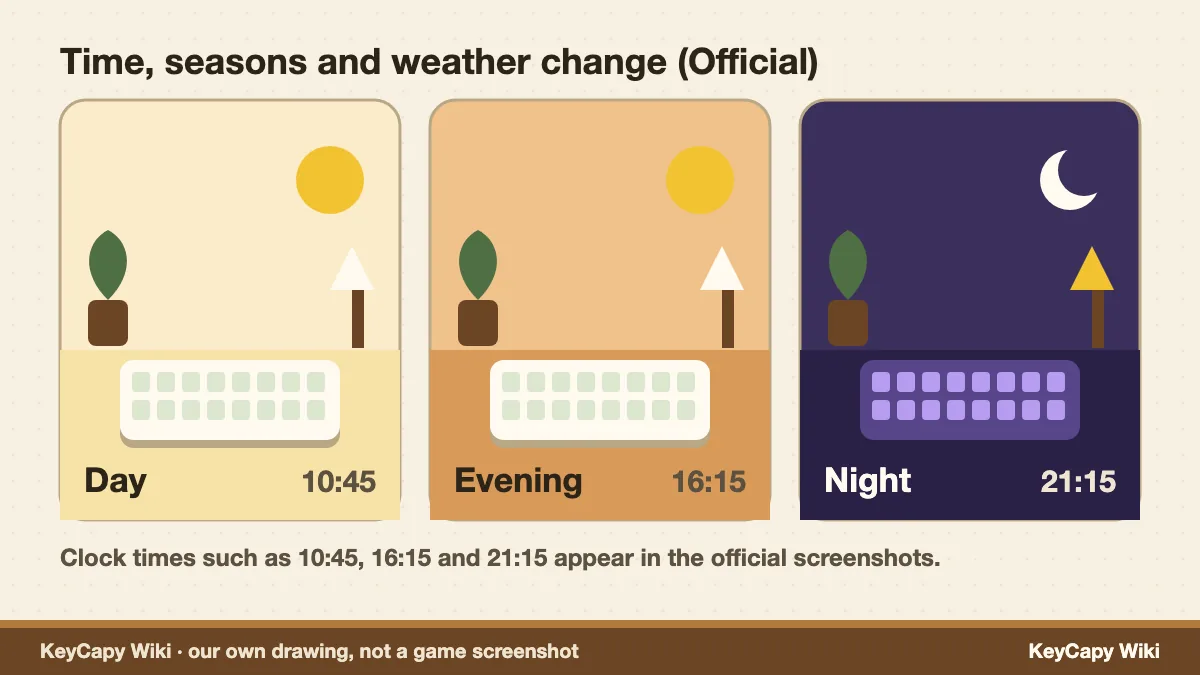
| Day and Seasons | Time, seasons and weather change | Official | Steam page, keycapy.com |
| Workspace | Decorate and customize your desk | Official | Steam page, keycapy.com |
Two more points come from the same page. You pick the case, switches and keycaps so that every keyboard has the sound the developer calls thock, and clients build a relationship and reputation with you and may reward you, for example with decorations. The workshop page and the capybara clients page take those further.
The loop, in our words
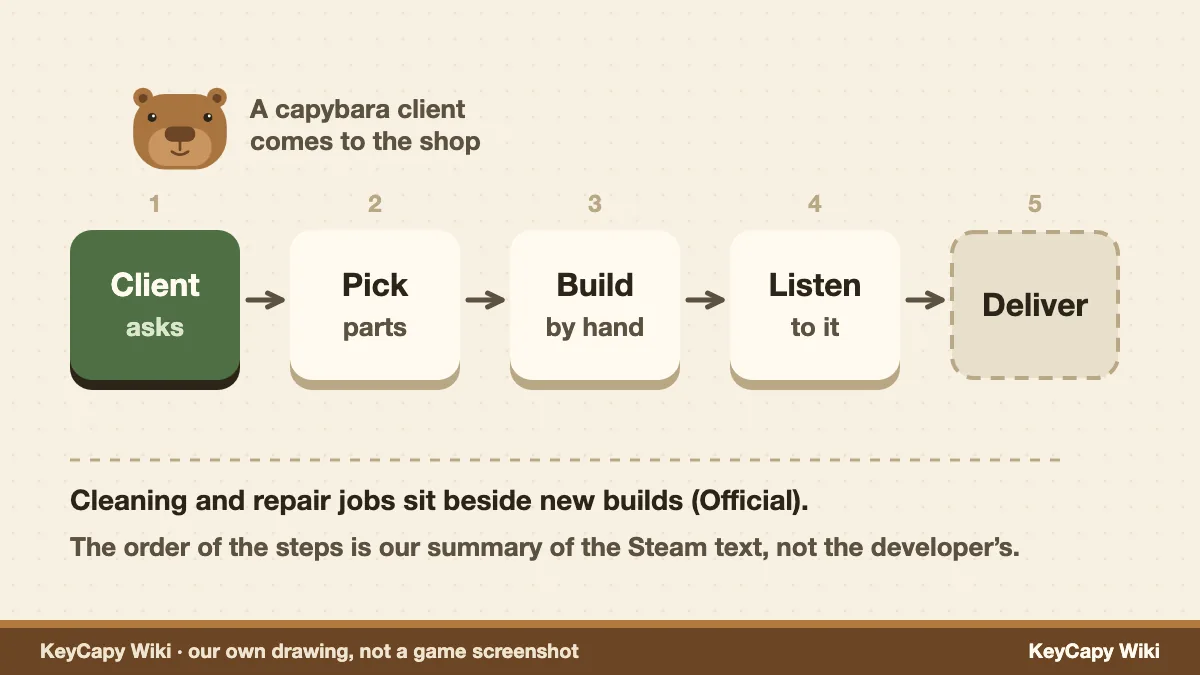
The developer has not published a step-by-step loop. Putting the Steam text in order gives a likely shape: a client asks for a keyboard, you choose a case, switches and keycaps, you assemble it by hand, you listen to the result, and you deliver it. Cleaning and repair jobs sit beside new builds. Treat that sentence as our summary of the Steam text, not as something the developer wrote.
What is not announced
The developer has not said how long KeyCapy is, whether it has a campaign or endings, how clients are generated, how money works beyond the in-game currency visible in screenshots, whether there is multiplayer, mod support or achievements, or how it is controlled. A gamepad appears on a desk in one screenshot as a prop, and that is not a statement about controller support. The screenshots page lists what the official images do show, and each fact there is labeled Seen.
Why there are no tips here
This wiki does not publish tips, best builds or order walkthroughs for KeyCapy, because nobody on it has played the playtest build and the developer has not published any. When the game is out, or when sourced footage or notes exist, pages like those will appear, each with a source and a date. Until then the wiki records what is announced, labels each fact, and leaves the rest empty. You can follow the key facts on the release date page and the playtest page.
Frequently asked questions
What is KeyCapy?
A cozy single-player simulation on Steam where you build, clean and repair custom mechanical keyboards for capybara clients. It is made by one developer, Vojtěch Peták.
Is KeyCapy a typing game?
Not as far as anyone has said. The Steam page describes building and customizing keyboards, not typing practice.
Does KeyCapy have a story, levels or an ending?
Not announced. The developer mentions clients with their own stories, but no campaign, level list or ending has been described.
Are there KeyCapy tips and guides?
Not yet. Nobody on this wiki has played the build, so there are no tips. The page will only say what the developer or official screenshots show.
Keep reading
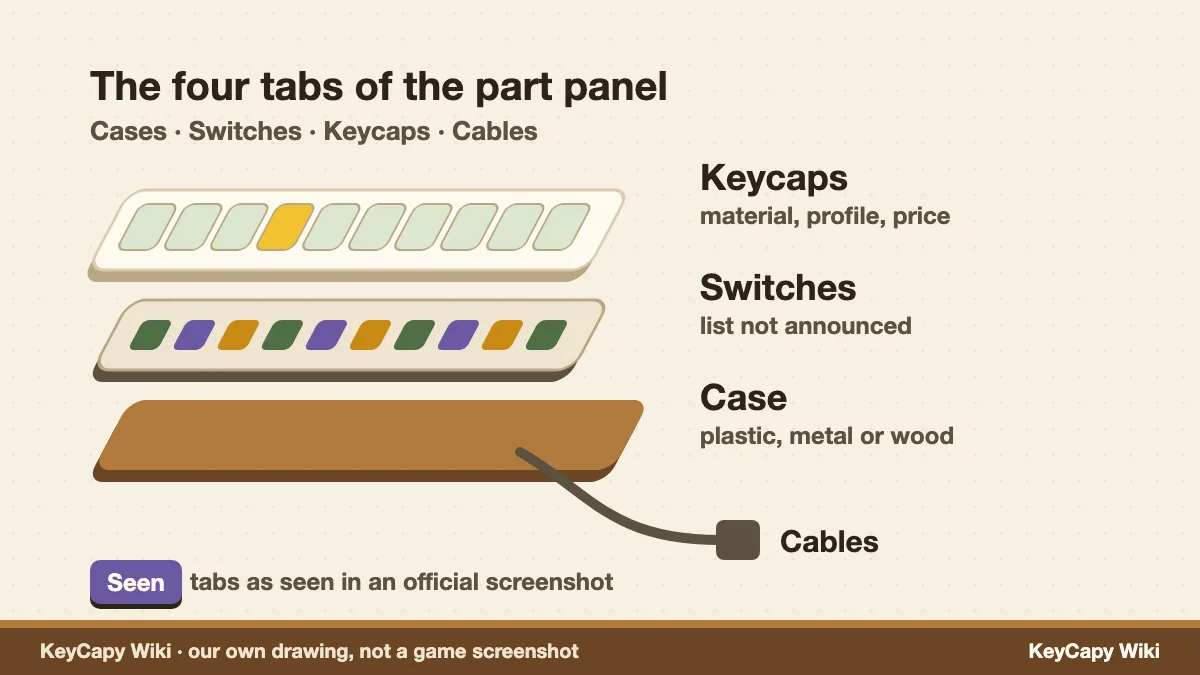 KeyCapy Keyboard Parts: Cases, Switches, Keycaps and Cables
The four part types in the build panel, the case shapes seen so far, and a short keyboard primer clearly marked as background.
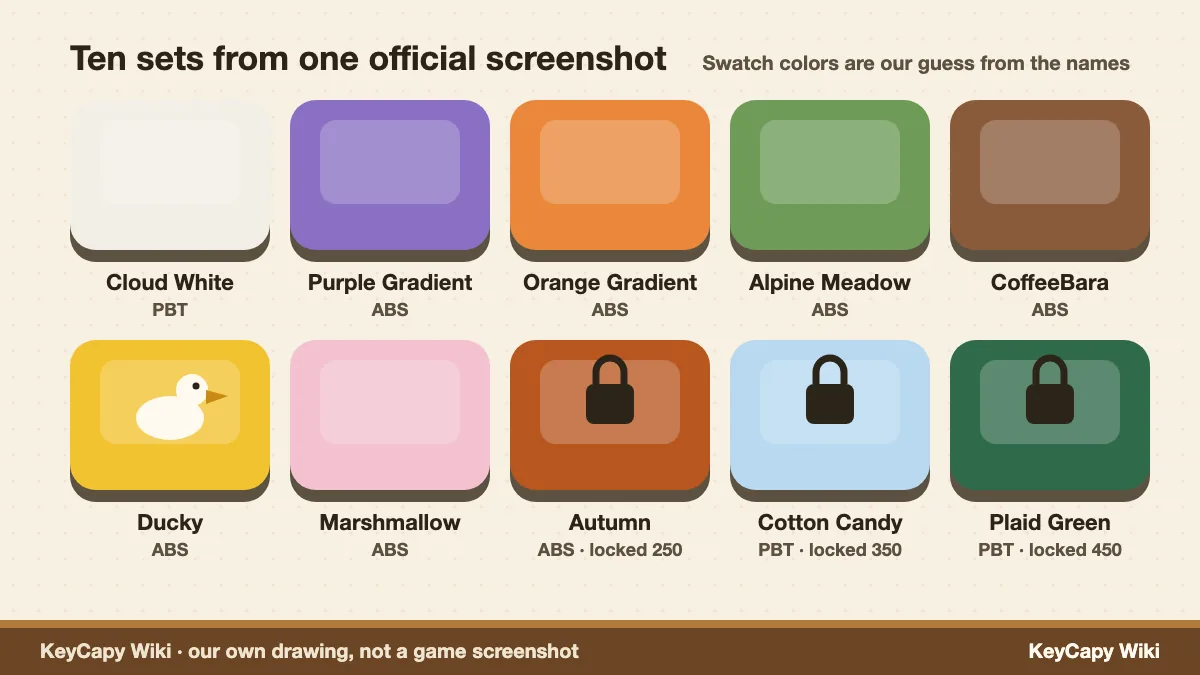 KeyCapy Keycap Sets: 10 Seen So Far, with Material and Price
Ten keycap sets from one official screenshot, with material, profile and price, plus a short PBT and ABS primer.
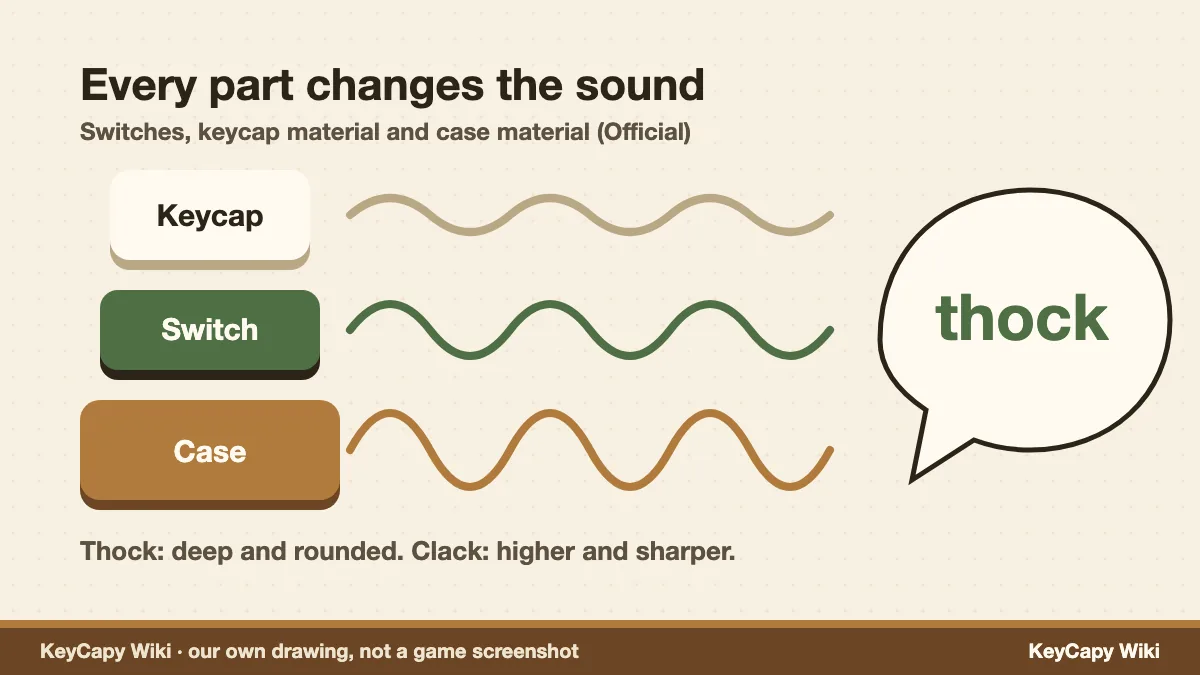 KeyCapy Sound and Thock: How Parts Change Keyboard Audio
What the developer says about sound, what thock means to keyboard fans, and the audio options Steam lists.
 KeyCapy Workshop, Seasons and Desk Decorations Explained
The workshop desk, the day and seasons feature, unlockable decorations and the props visible in official screenshots.