Release and Playtest
KeyCapy Playtest and Demo: How to Request Access on Steam
KeyCapy has a Steam playtest you can request access to, but no public demo. Steps to ask, what the playtest build lists, and what is still not announced.
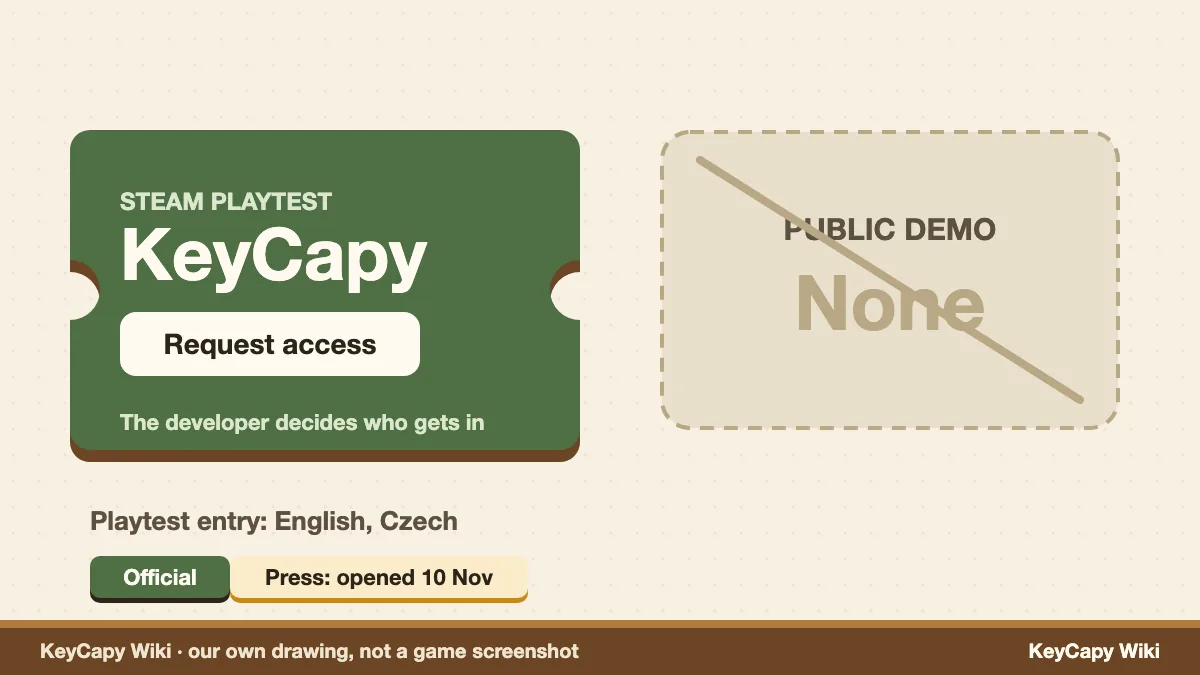
KeyCapy playtest: what exists today
KeyCapy has one way to try it before launch: a Steam playtest. The Steam page carries a box called Join the KeyCapy Playtest with a Request Access button, and the developer's own website says players should join the playtest list on the Steam page. There is no public demo. The Steam page has no demo entry, so anything called "KeyCapy demo" elsewhere points back to this playtest or to a video.
The playtest is its own entry in Steam's catalogue, named KeyCapy Playtest, App ID 5492610. It lists Windows, single-player, and only two languages, English and Czech, while the main game page lists fifteen. That difference is on the languages page.
How to request access
- Log in to Steam in a browser or in the Steam app.
- Open the KeyCapy store page.
- Find the Join the KeyCapy Playtest box and press Request Access.
- Wait. The developer chooses who gets in. If you are approved, Steam adds the playtest to your library, which is how Steam playtests work in general.
The page text and button labels follow your Steam language setting, so they may look different from the English names used here.
What is confirmed and what is not
| Question | Answer | Label | Where it comes from |
|---|---|---|---|
| Is there a playtest? | Yes, request access on the Steam page | Official | Steam page, keycapy.com |
| Playtest entry on Steam | KeyCapy Playtest, App ID 5492610 | Official | Steam page data |
| Playtest languages | English and Czech | Official | Steam page data |
| Public demo | None; no demo entry on the store page | Official | Steam page data |
| Opened to requests | From 10 Nov 2026, by request | Press | A Steam playtest tracker |
| How many players get in | No numbers published | Not announced | None |
| Playtest length and end date | Not published | Not announced | None |
| What the playtest build contains | Not published | Not announced | None |
| Rules about sharing footage | Not published | Not announced | None |
Press here means a Steam playtest tracker that has watched the page since 8 November and lists access as by request. A second tracker reports finding the playtest on 18 November. The developer's own page does not state an opening date.
What we have not seen
Nobody on this wiki has been inside the playtest, so nothing here is written from the build. That is why you will not find tips, best part combinations or order walkthroughs for KeyCapy on this site. What the developer has said about gameplay is gathered on the how it plays page, and the screenshots page lists what the official images show.
Playtest or release: do not confuse them
Playtests exist so a developer can find bugs and watch how people play. A playtest build can change, can be reset and can be switched off. It is not a launch and it is not an early access release, and it gives no information about the release date. If the developer opens a public demo or an Early Access version later, this page will change and the date of the change will show in the Updated line.
Frequently asked questions
Is there a KeyCapy demo?
No. The Steam page has no demo entry. The playtest is the only way to try the game, and only if the developer approves your request.
How do I join the KeyCapy playtest?
Open the KeyCapy page on Steam while logged in, find the Join the KeyCapy Playtest box and press Request Access. Then wait for the developer to decide.
Will everyone who asks get in?
Not announced. Steam playtests are usually opened in waves, but the developer has not said how many people will be let in or when.
Does the playtest cost anything?
The playtest is a separate Steam entry with no price listed. Whether KeyCapy itself will be paid is a separate question, covered on the price page.
Keep reading
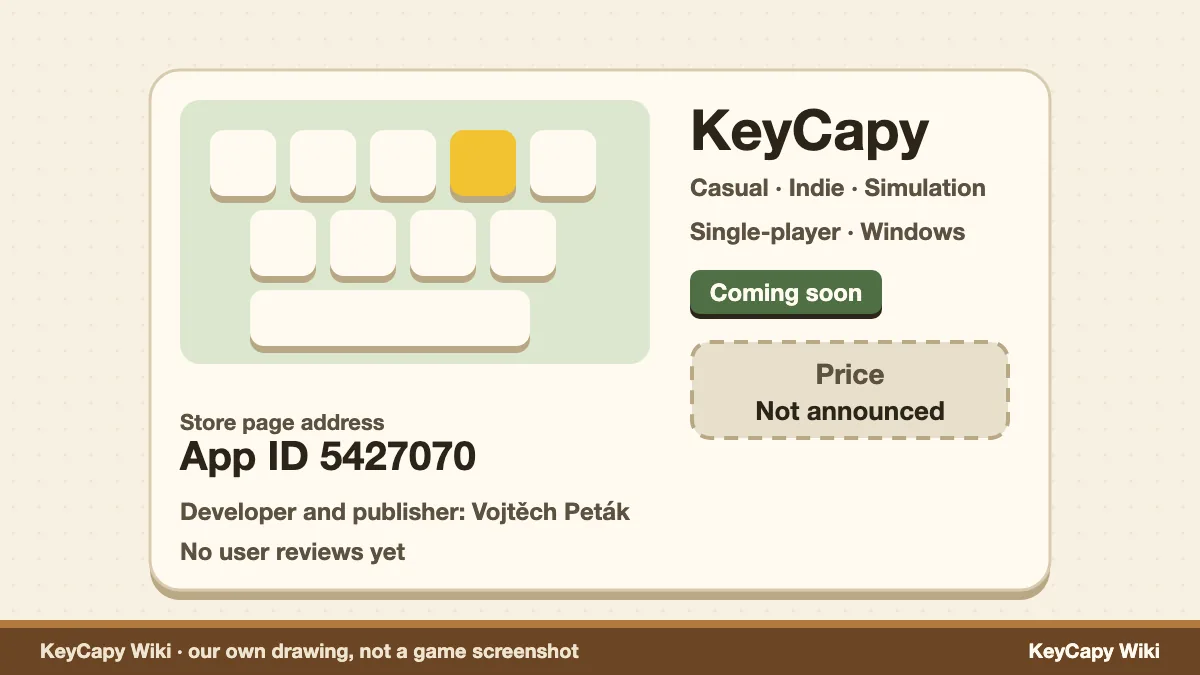 KeyCapy Price and Steam Page: Still No Price Listed Yet
No price yet. What the Steam page lists: App ID, genres, features, tags, trailer and screenshots.
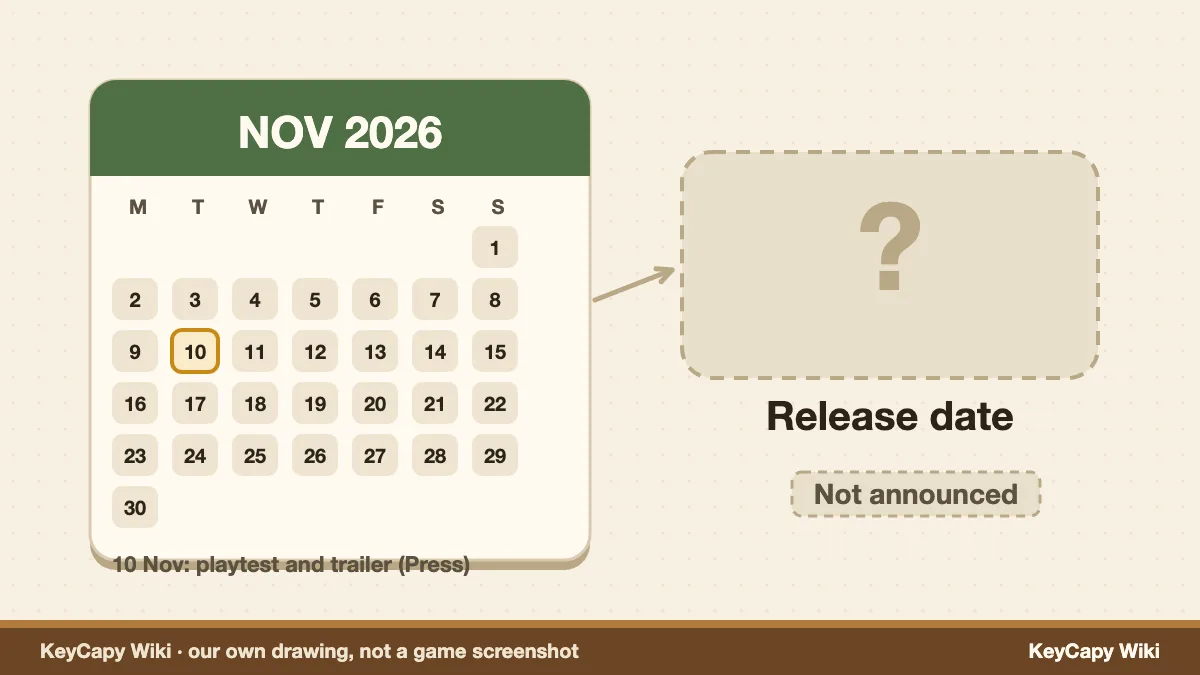 KeyCapy Release Date: Not Announced Yet as of Nov 2026
No date yet. Steam says "To be announced"; here is what is confirmed, what is not, and how to hear first.
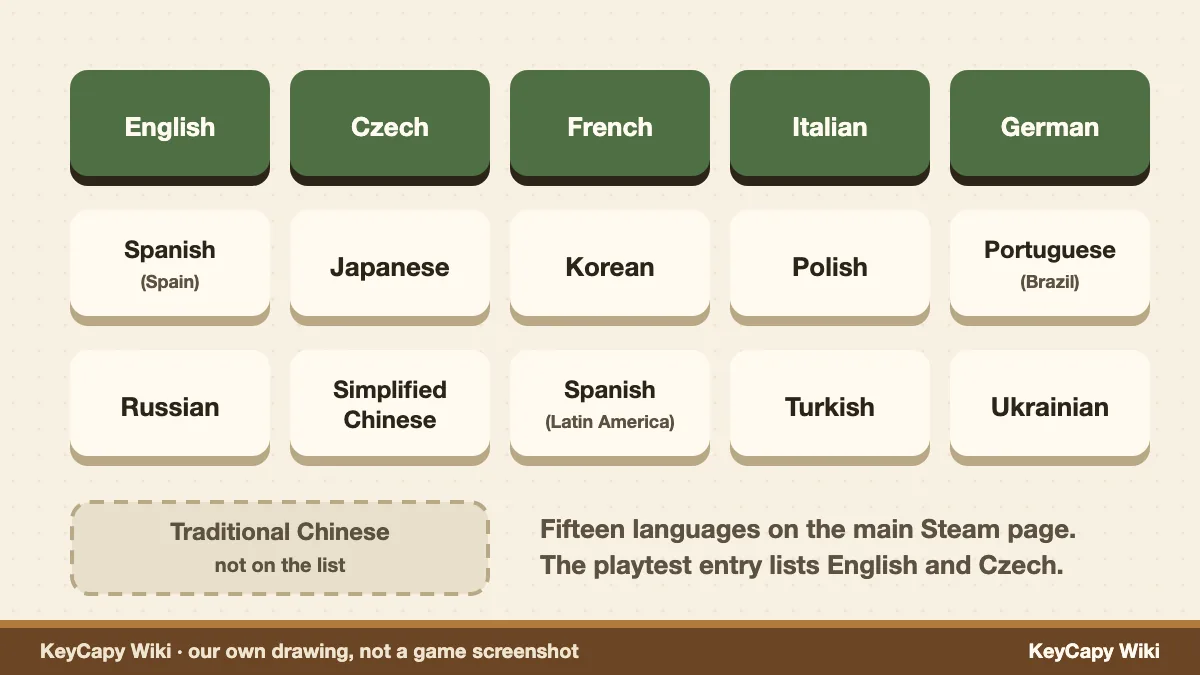 KeyCapy Languages: 15 on Steam, Including Simplified Chinese
All 15 languages on the Steam page, what is ticked for the first five, and why the playtest lists only two.
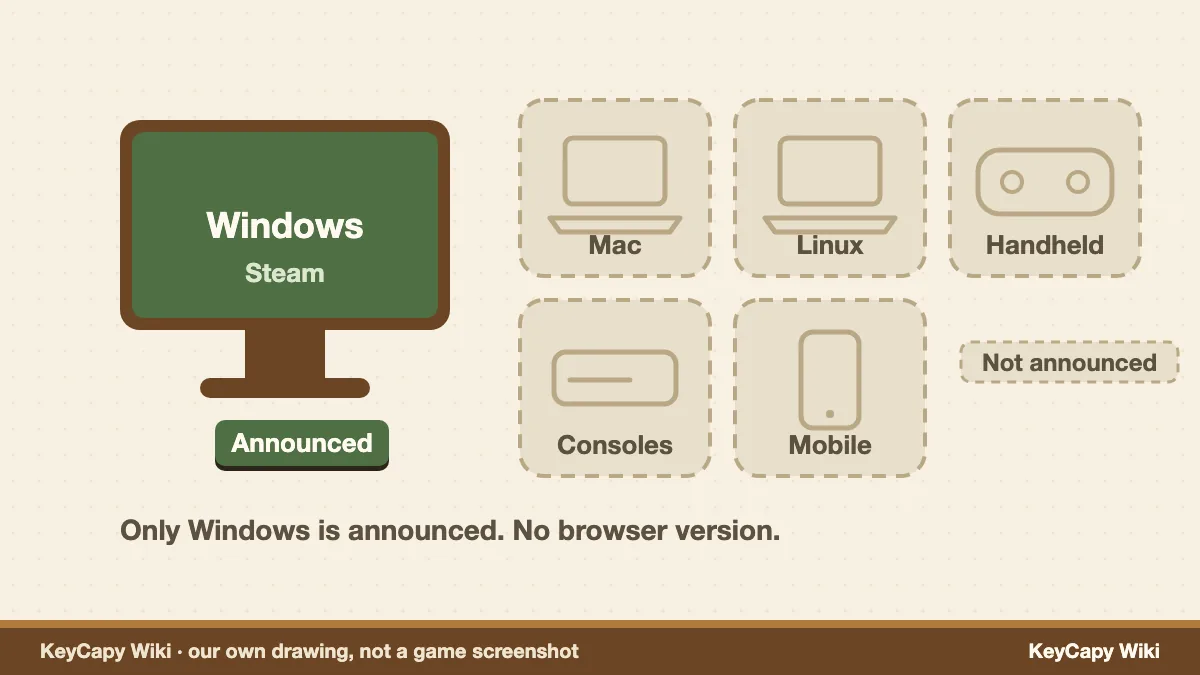 KeyCapy Platforms: PC Only, No Mac, Switch or Console Port
Windows on Steam is the only announced platform. Mac, Linux, consoles and mobile are all Not announced.