Gameplay
KeyCapy Sound and Thock: How Parts Change Keyboard Audio
In KeyCapy every part you pick changes how the keyboard sounds. What the developer says about thock and adaptive audio, plus a plain guide to the term.
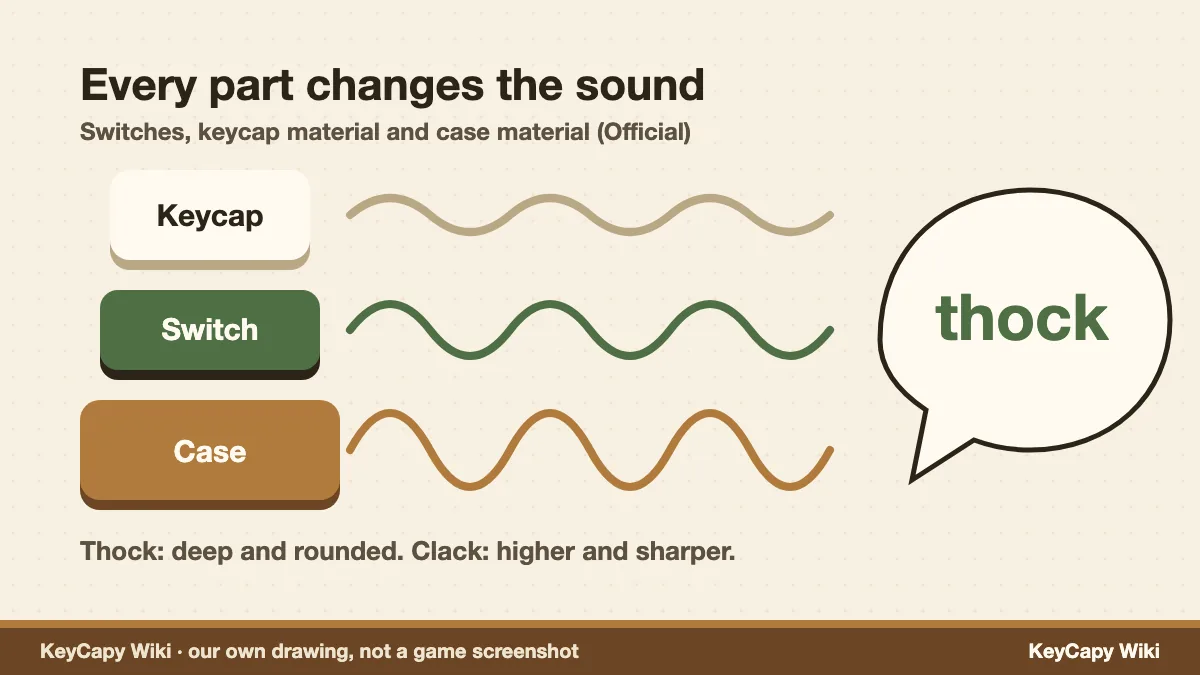
Why sound is the point of KeyCapy
Most games treat sound as a layer on top of the game. In KeyCapy the sound is close to the goal. The Steam page tells you to choose the case, switches and keycaps that make each keyboard "thock", and it adds that every part changes how a keyboard sounds. The listed feature Adaptive Audio means you hear how each modification affects the result. The developer's own description of the game keeps coming back to this idea of a keyboard that sounds right.
What the developer has said
| Statement | Label | Where it comes from |
|---|---|---|
| Every part changes the sound | Official | Steam page |
| Sound depends on switches, keycap material and the case being plastic, metal or wood | Official | Steam page |
| Every keyboard sounds unique | Official | Steam page |
| Adaptive Audio: hear how modifications change the sound | Official | Steam page, keycapy.com |
| Custom volume controls, stereo sound and surround sound | Official | Steam page data |
| Keycap cards show material and profile | Seen | Official screenshot |
| Sound samples for individual parts | Not published | Not announced |
| A list of sound types or sound ratings | Not published | Not announced |
The developer does not say how the game models sound, whether it uses recordings of real keyboards or generated audio, or whether there is a score on how good your build sounds. Those are all unknown, and we do not guess at them.
What thock means
This is background on the word and not a claim about the game. Keyboard hobbyists describe sound with words. Thock is a deep, rounded, lower-pitched sound, often linked to heavier cases, softer plates and keycaps that are thicker. Clack is higher and sharper. Both are matters of taste. A game that lets you tune a keyboard until it makes the sound you like is a good fit for people who already know this vocabulary and for people who only enjoy the calm of hearing keys. The keycap sets page shows how the material and profile appear on the cards in the part panel.
Audio settings
Steam lists Custom Volume Controls, Stereo Sound and Surround Sound for KeyCapy. Those are labels the developer chose on Steam. They tell you the game has volume controls and that it supports stereo and surround output. They do not describe individual sliders, sound categories or accessibility options, and no menu has been shown.
Trailer and sound
The announcement trailer is on the developer's YouTube channel and the press kit. Because we do not describe or reuse its footage, no sound details from it are recorded here. If the developer publishes sound samples or a video where each part is swapped, we would add that with the source and the date.
Where this connects
Sound ties together the parts on the keyboard parts page, the way keyboards are built in how KeyCapy plays and the cozy workshop described on the workshop page.
Frequently asked questions
What does thock mean in KeyCapy?
The developer uses thock as the goal for a well-built keyboard. In keyboard hobby talk it means a deep, rounded, low-pitched key sound, as opposed to a sharper clack.
What changes the sound in KeyCapy?
The developer says switches, keycap material and the case material (plastic, metal or wood) all change it, so no two keyboards sound the same.
Does KeyCapy have audio settings?
Steam lists custom volume controls, stereo sound and surround sound among its features. Detailed settings are not published.
Can I hear KeyCapy sounds before it releases?
The announcement trailer is on the developer's channels. This wiki does not host or describe sounds from it, and no sound samples have been published separately.
Keep reading
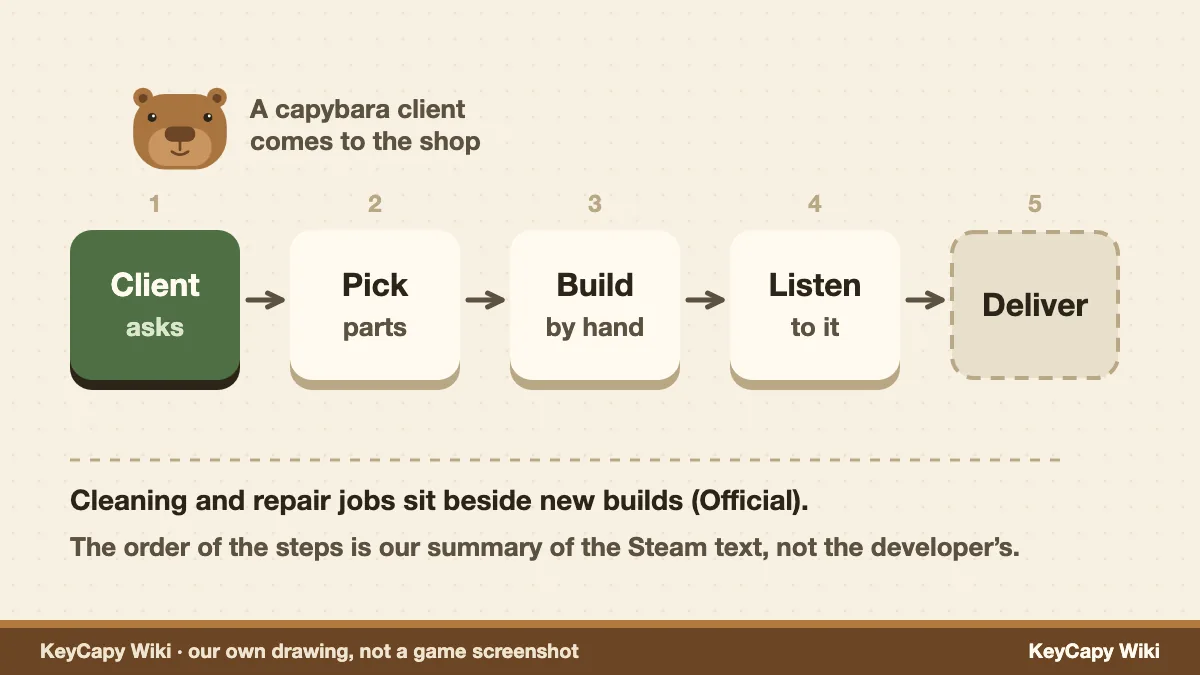 How KeyCapy Plays: A Cozy Keyboard-Building Sim Explained
The eight features the developer lists, in plain words, with every unknown marked Not announced.
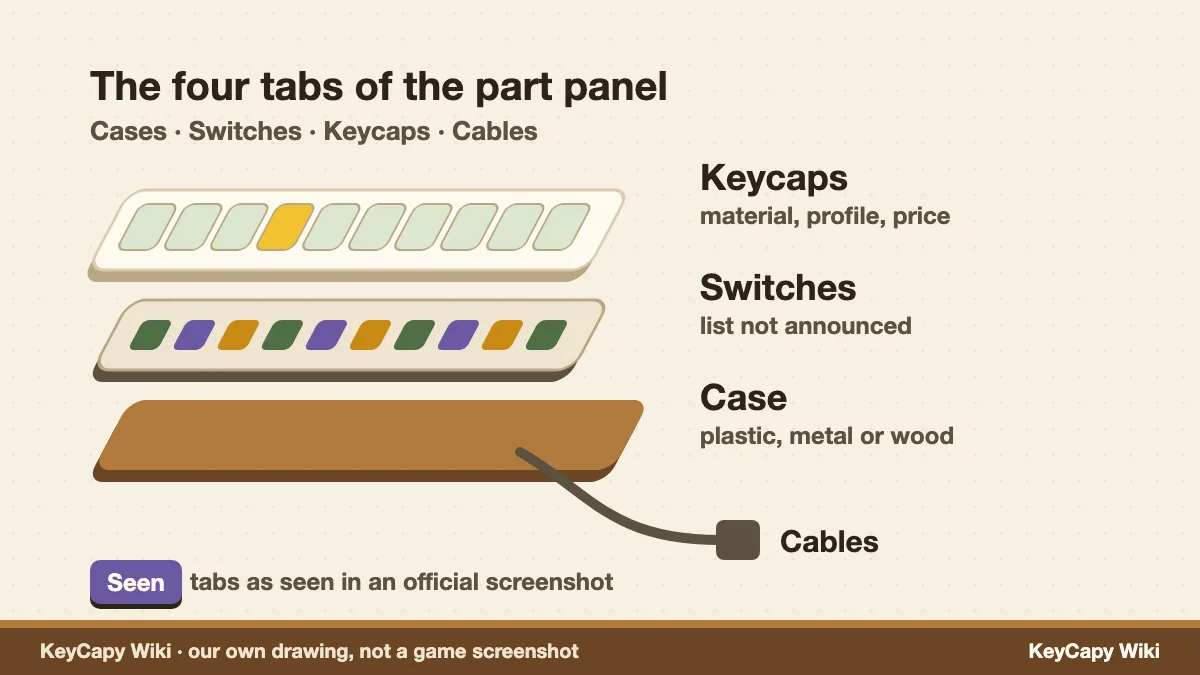 KeyCapy Keyboard Parts: Cases, Switches, Keycaps and Cables
The four part types in the build panel, the case shapes seen so far, and a short keyboard primer clearly marked as background.
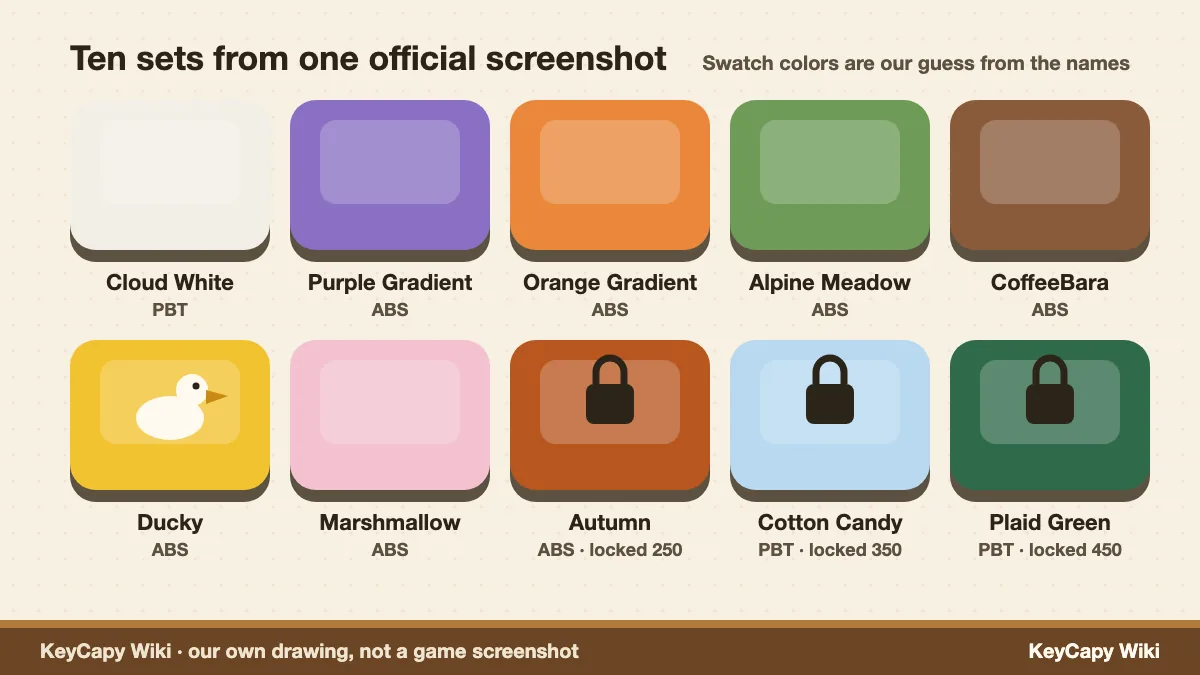 KeyCapy Keycap Sets: 10 Seen So Far, with Material and Price
Ten keycap sets from one official screenshot, with material, profile and price, plus a short PBT and ABS primer.
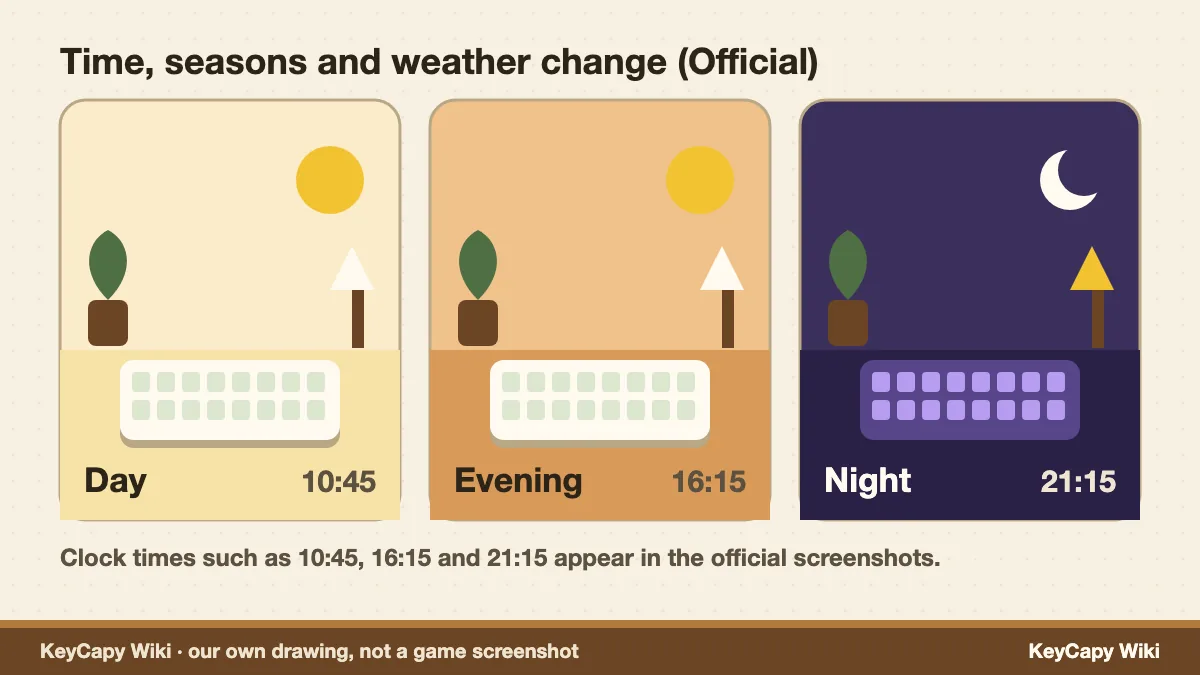 KeyCapy Workshop, Seasons and Desk Decorations Explained
The workshop desk, the day and seasons feature, unlockable decorations and the props visible in official screenshots.