Studio and Sources
KeyCapy Screenshots: What the 9 Official Steam Images Show
The Steam page for KeyCapy has nine screenshots. A text guide to what they show: parts panel, Messages app, client card, keyboard cases, desk props and light.
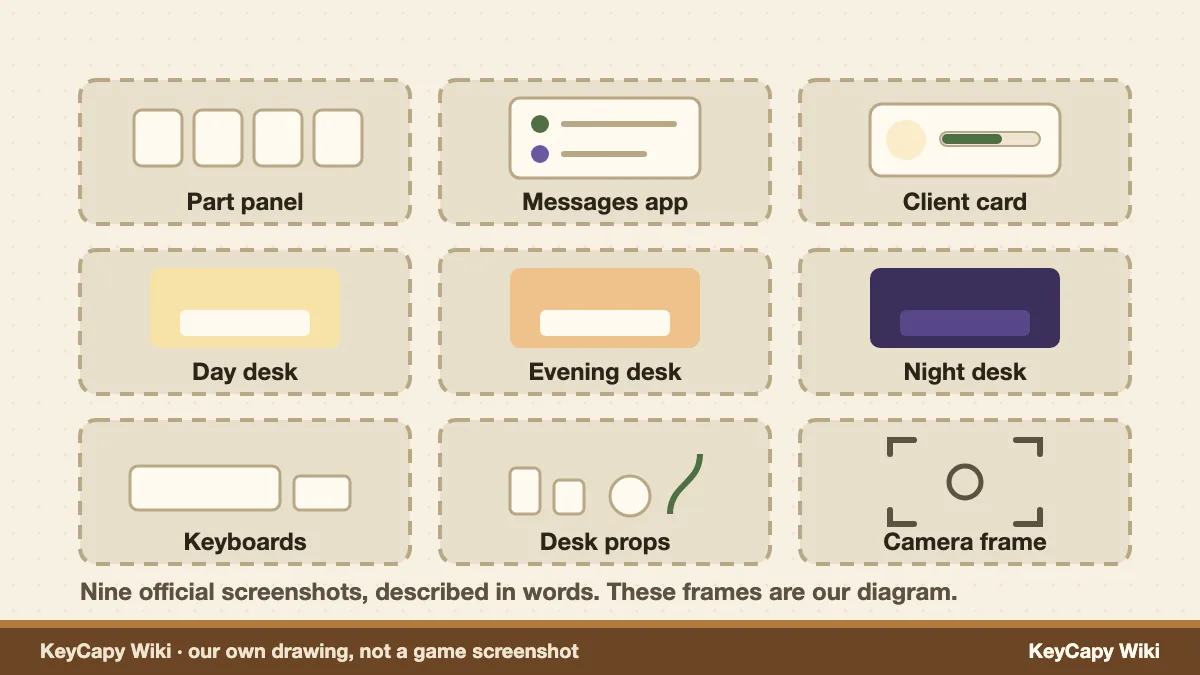
The official images
The KeyCapy page on Steam has nine screenshots and one trailer, and the developer's website has a press kit with more of the same. This wiki does not reproduce them. Instead it describes what is visible, written after looking at each image at its full 1920 by 1080 size, and each description is labeled Seen. For the real thing, open the store page.
All of this is a game in development. Interface text, names and numbers in the images may change before release.
What the nine images show
| What is visible | In how many of the 9 images | Label | Where it comes from |
|---|---|---|---|
| A desk seen from above or at an angle, with a keyboard on it | 7 | Seen | Official screenshots |
| A client card in the top left: portrait, name, bar and two money amounts | 4 | Seen | Official screenshots |
| Money total and clock at the top right | 4 | Seen | Official screenshots |
| The part panel with tabs Cases, Switches, Keycaps and Cables | 1 | Seen | Official screenshot |
| The keycap cards with material, profile and price | 1 | Seen | Official screenshot |
| The Messages app with eight contacts | 1 | Seen | Official screenshot |
| An Orders notebook on the desk | 2 | Seen | Official screenshots |
| A camera frame with a shutter button | 1 | Seen | Official screenshot |
| Lighting: daylight (4 images), warm evening or candlelight (3), neon night (1) | 8 | Seen | Official screenshots |
| Desk props, from candles to a capybara mug | Most | Seen | Official screenshots |
Keyboards in the images
At least five kinds of keyboard appear: a full-size board in a cloud-shaped case with a smiling face, a wave-shaped ergonomic split board, a compact board in a wooden case, a full-size board with a number pad and a small separate number pad. The keyboard parts page has more about the cases, and the keycap sets page turns the keycap cards into a table.
Art style
The art is 3D with rounded shapes and soft colors, and the lighting changes: daylight and a warm evening glow with cream, wood and green tones, and a night view in purple and pink neon. That is a description of what the images look like and not a claim about final graphics. The Steam user tags currently include 3D, Relaxing and Wholesome, which are the community's words. The developer's own genre words are Casual, Indie and Simulation.
What is not visible
No image shows a menu, a settings screen, a tutorial, a shop screen, an order list opened in the notebook, or more than eight contacts. There are no images of seasons other than the three looks mentioned above. Nothing shown explains the numbers on the client card. Our pages say Not announced when an image does not answer a question. The orders and reputation page and the workshop page put these details in context.
How we check
Each description was written after reading the image at full size, and small text was enlarged before it was transcribed. We note a date for each check on the page. If you see something different in the images, the Steam page may have changed. Tell us through the contact page and we will check it again.
Frequently asked questions
How many screenshots does KeyCapy have?
Nine on the Steam page, plus one trailer. The developer's press kit has the same kind of material.
What does the KeyCapy art style look like?
Soft 3D, with a desk seen from above and rounded shapes, pastel colors in daylight and neon colors at night. The Steam user tags include 3D.
Are KeyCapy screenshots final?
No. The game is in development, and the interface, names and numbers shown can change before release.
Why doesn't this wiki show the screenshots?
They belong to the developer. We describe what is visible and link the Steam page, where you can look at them yourself.
Keep reading
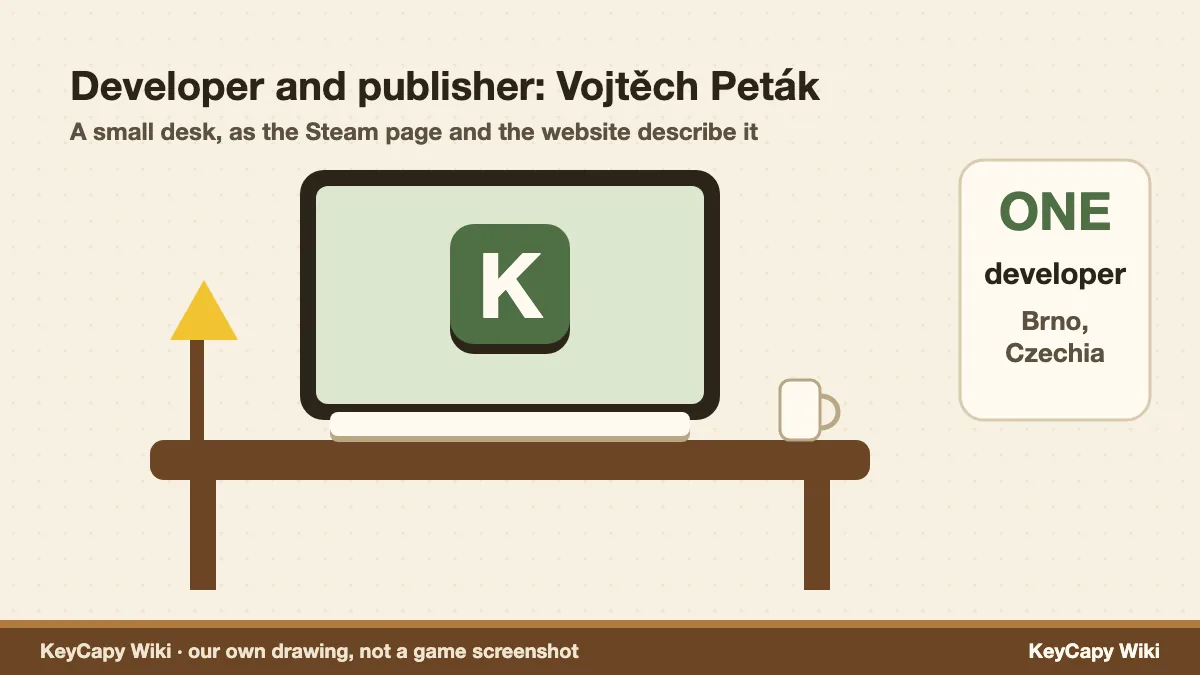 KeyCapy Developer: Meet Vojtěch Peták, the Solo Dev
One developer, Vojtěch Peták of Brno: what his own website says, where KeyCapy was shown, and his official channels.
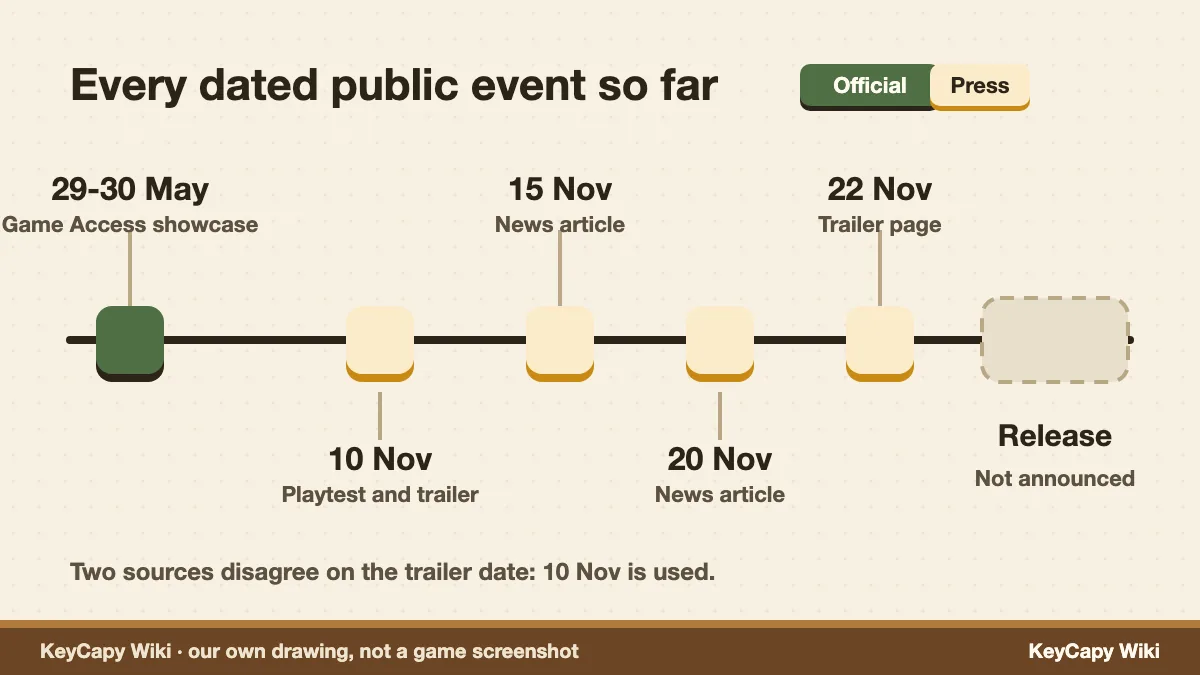 KeyCapy Timeline: Every Dated Announcement So Far, Nov 2026
Each dated KeyCapy event with its source, including where two sources give different dates.
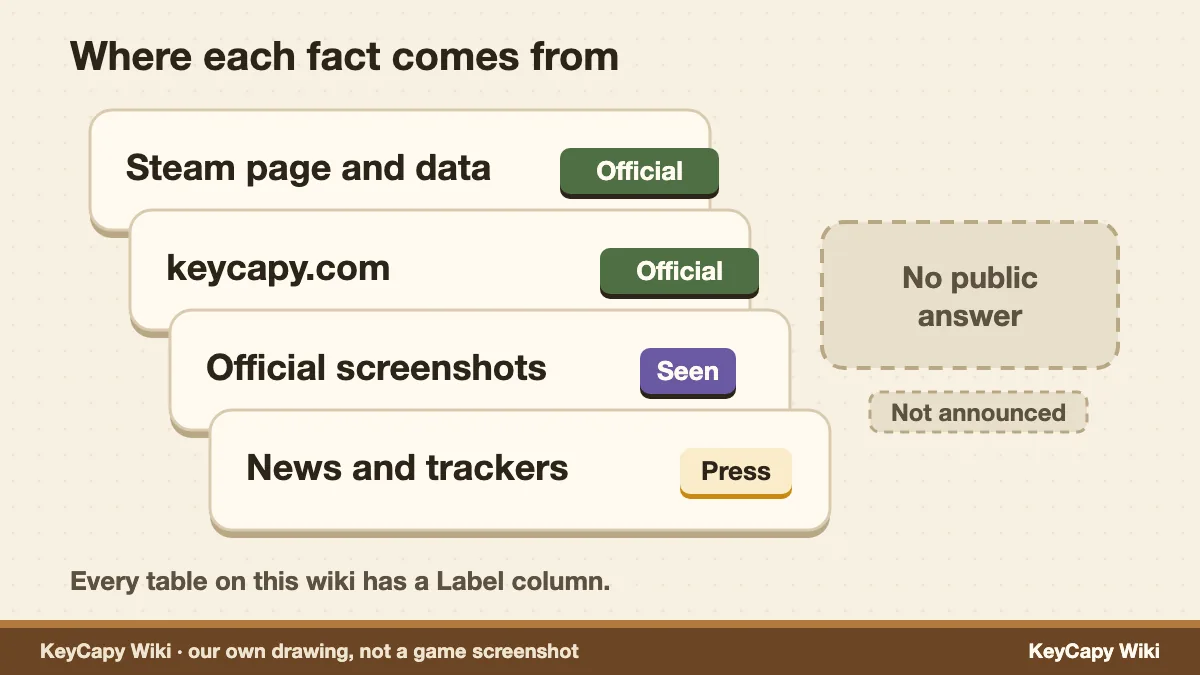 KeyCapy Wiki Sources: Where Each Fact on This Site Is From
The four labels, the list of sources, the known disagreements between them and how we fix mistakes.