Capybara Clients
KeyCapy Orders and Reputation: What Is Known About Clients
How KeyCapy orders and client reputation work, as far as the developer and official screenshots show: the Orders notebook, client cards, rewards and unknowns.
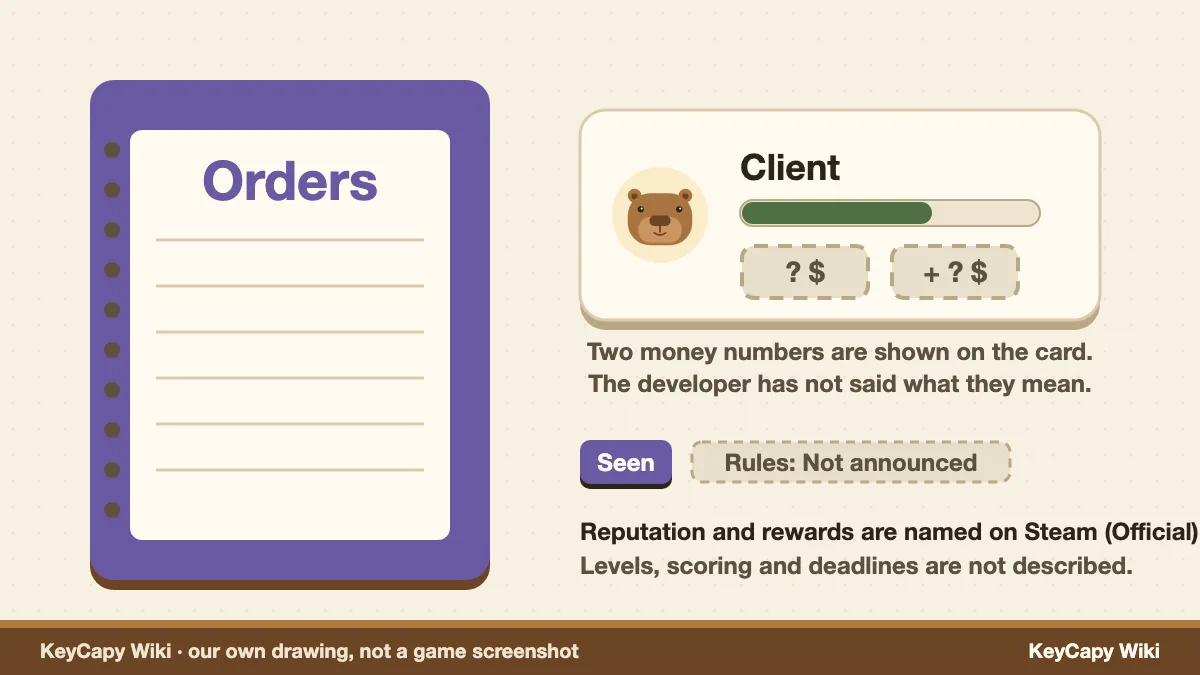
What the developer says about orders
The Steam page describes KeyCapy as a shop where capybara clients come with custom requests. It also says that you build a relationship and a reputation with clients and that they repay you, with some giving decorations. That is all the developer has said about the order system in words. Everything else on this page is something visible in an official screenshot and labeled Seen.
The tools for orders
| Item | What it is | Label | Where it comes from |
|---|---|---|---|
| Orders notebook | A notebook on the desk with the word Orders on it | Seen | Official screenshots |
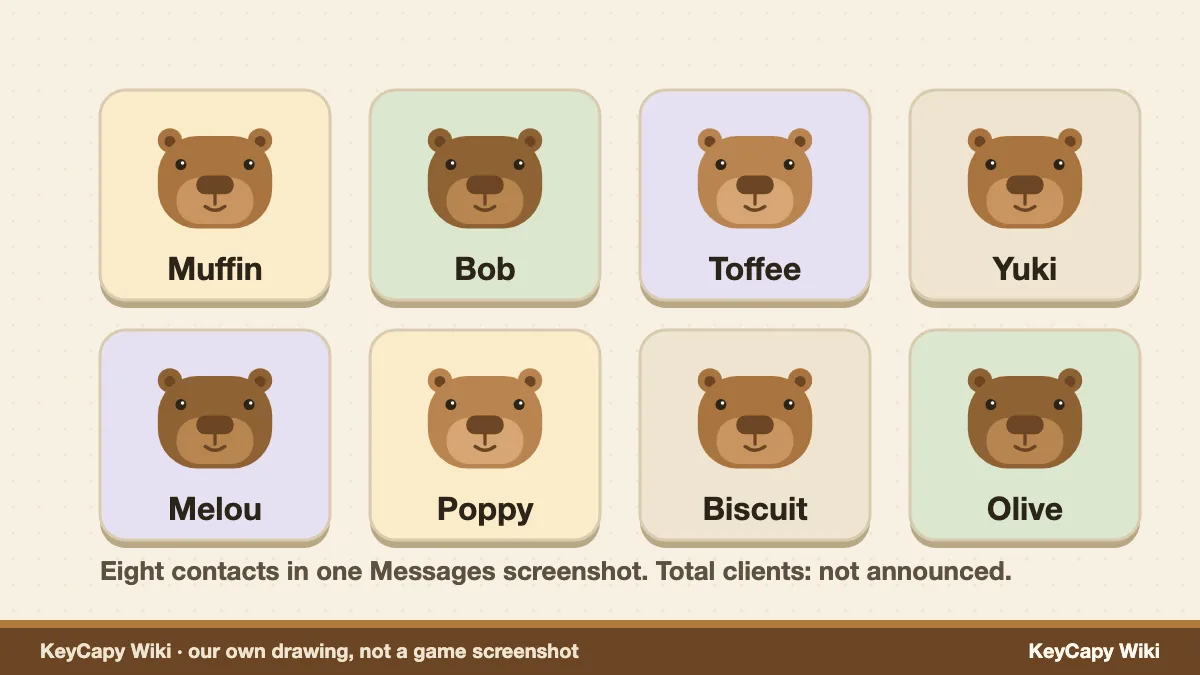
| Messages app | A chat app on the in-game screen with eight contacts | Seen | Official screenshot |
| Profile tabs | Orders, Background and Nicknames for the selected contact | Seen | Official screenshot |
| Client card | Top left: portrait, name, progress bar and two dollar amounts | Seen | Official screenshots |
| Money counter and clock | Top right of the screen | Seen | Official screenshots |
Examples of the card numbers in the screenshots include "142 $ of 160 $" next to a bar, and a separate "+ 18.15 $". We list them because they are visible. The developer has not said what the first pair measures, what the plus figure is, or whether the bar is progress through an order or something else. We do not guess.
Reputation and rewards
The words reputation and relationship appear on the Steam page, together with the idea that clients reward you. The Steam text mentions decorations as one reward and adds that each client has a story. Nothing is published about levels, a score, how to lose reputation or what a high reputation unlocks.
| Question | Answer | Label | Where it comes from |
|---|---|---|---|
| Is there a reputation or relationship system? | Yes, it is named | Official | Steam page |
| Do clients reward you? | Yes, some with decorations | Official | Steam page |
| How reputation is measured | Not described | Not announced | None |
| Reputation levels or unlocks | Not described | Not announced | None |
| Whether failed orders cost you | Not described | Not announced | None |
Money and time
Official screenshots show a money total and a clock at the top right. The keycap panel shows prices and locked items with unlock prices, and a news site reports that some parts are unlocked with in-game money. Steam lists Playable without Timed Input and Save Anytime among the game's features. None of this says there is a deadline on any order, and it does not say there is not. Whether the clock limits a day or only shows it is not announced. See workshop and seasons.
Where to look for order details
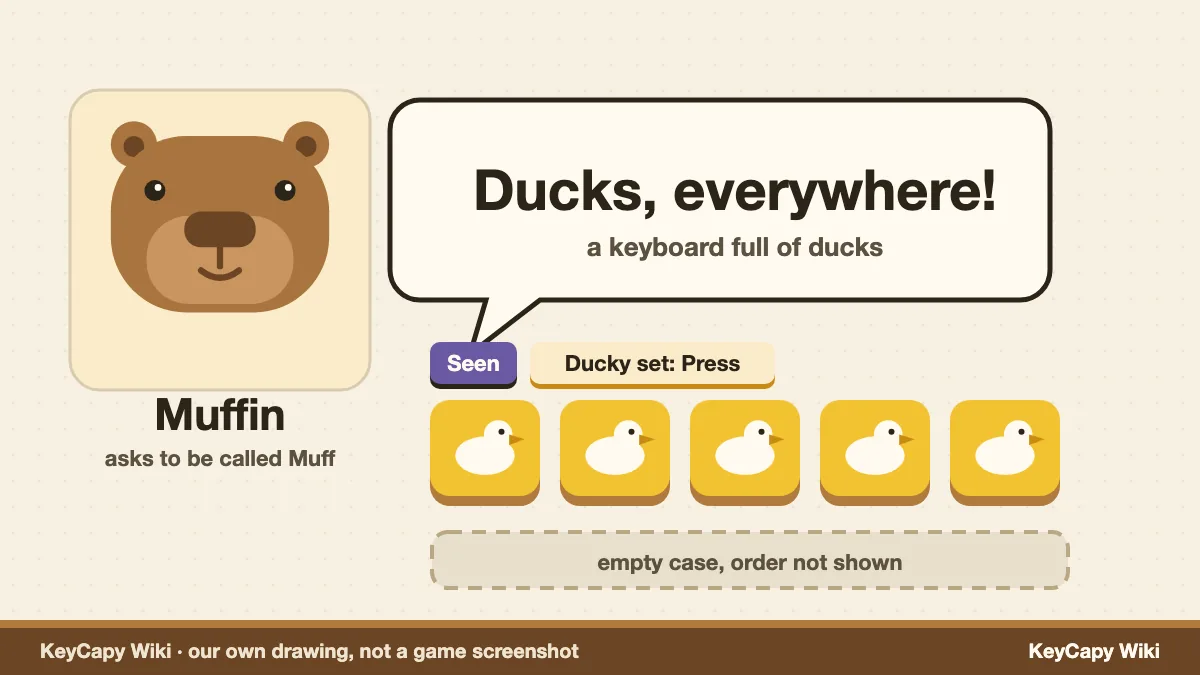
When the developer or verified players publish orders, this wiki will add them as separate pages, one per client, each with a source. The Muffin page shows what a page about one client looks like. The capybara clients page lists every client that has been seen, and how KeyCapy plays puts the whole picture together.
Frequently asked questions
How do orders work in KeyCapy?
Not announced in detail. Clients have custom requests, there is an Orders notebook and a Messages app, but no order rules have been published.
What is the reputation system in KeyCapy?
The developer says you build a relationship and reputation with clients and they reward you. Levels, effects and numbers are not announced.
What do the numbers on the client card mean?
Not announced. The card shows a progress bar and two dollar amounts, for example 142 of 160 and +18.15, but the developer has not explained them.
Is there a time limit on KeyCapy orders?
Not announced. Steam lists Playable without Timed Input as a feature, and the screen has a clock, but no deadline rules are described.
Keep reading
 KeyCapy Capybara Clients: Muffin, Bob, Toffee and More
The capybara clients the developer describes, and the eight Messages contacts visible in one official screenshot.
 KeyCapy Muffin: The Capybara Who Wants Ducks Everywhere
What an official screenshot and one press report say about Muffin, the client who wants a keyboard full of ducks.